
Duplicate a campaign or automation
From the Campaigns tab, find the campaign you want to copy, click on the drop-down menu next to your campaign's name and then select Duplicate from the menu.
This begins the campaign set-up process again.

Duplicate an automation
To duplicate an automation, go to the Automations tab and select the automation you want to duplicate. Click the drop-down menu next to the automation's name and select Duplicate.
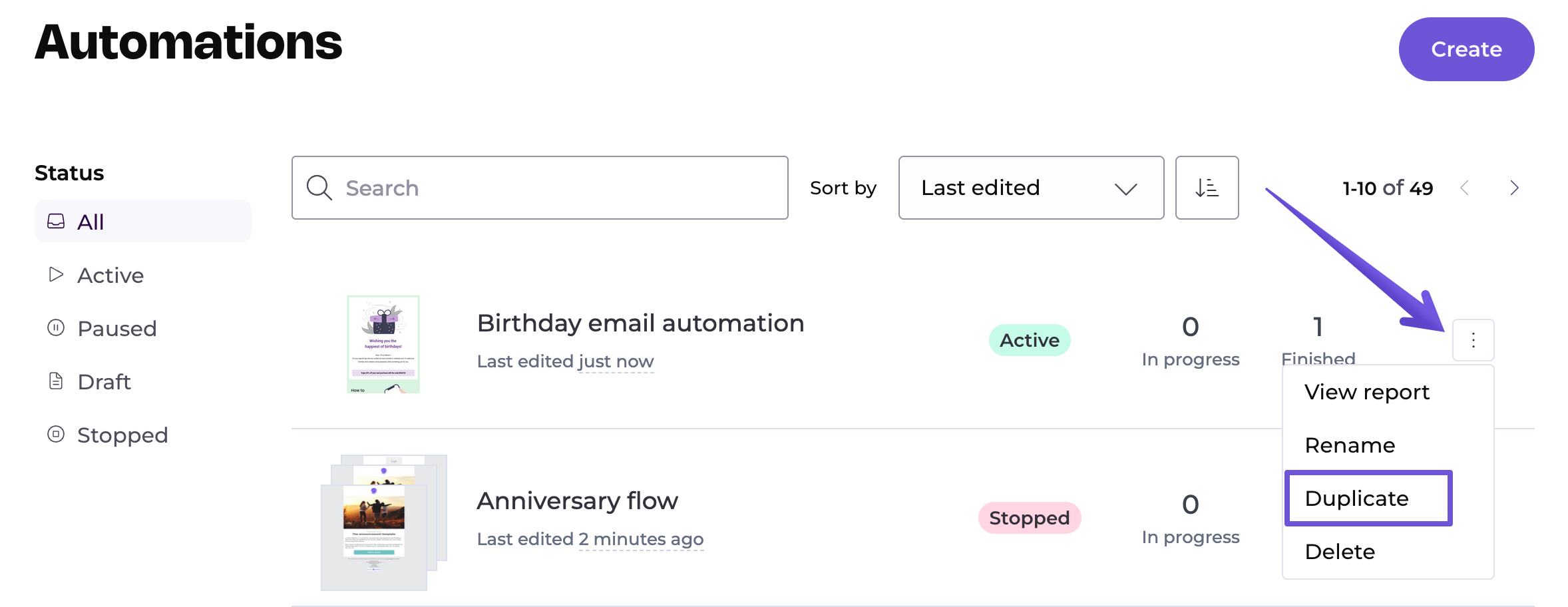
You'll enter the editor of the copied automation, where you can make any necessary adjustments. Your copied automation will include all the triggers, filters, emails, wait steps and conditions used in the original automation.
The copied automation will be connected to the same list as the original automation, and it's not possible to change the connected list.