Integrating Little Stack with EmailOctopus
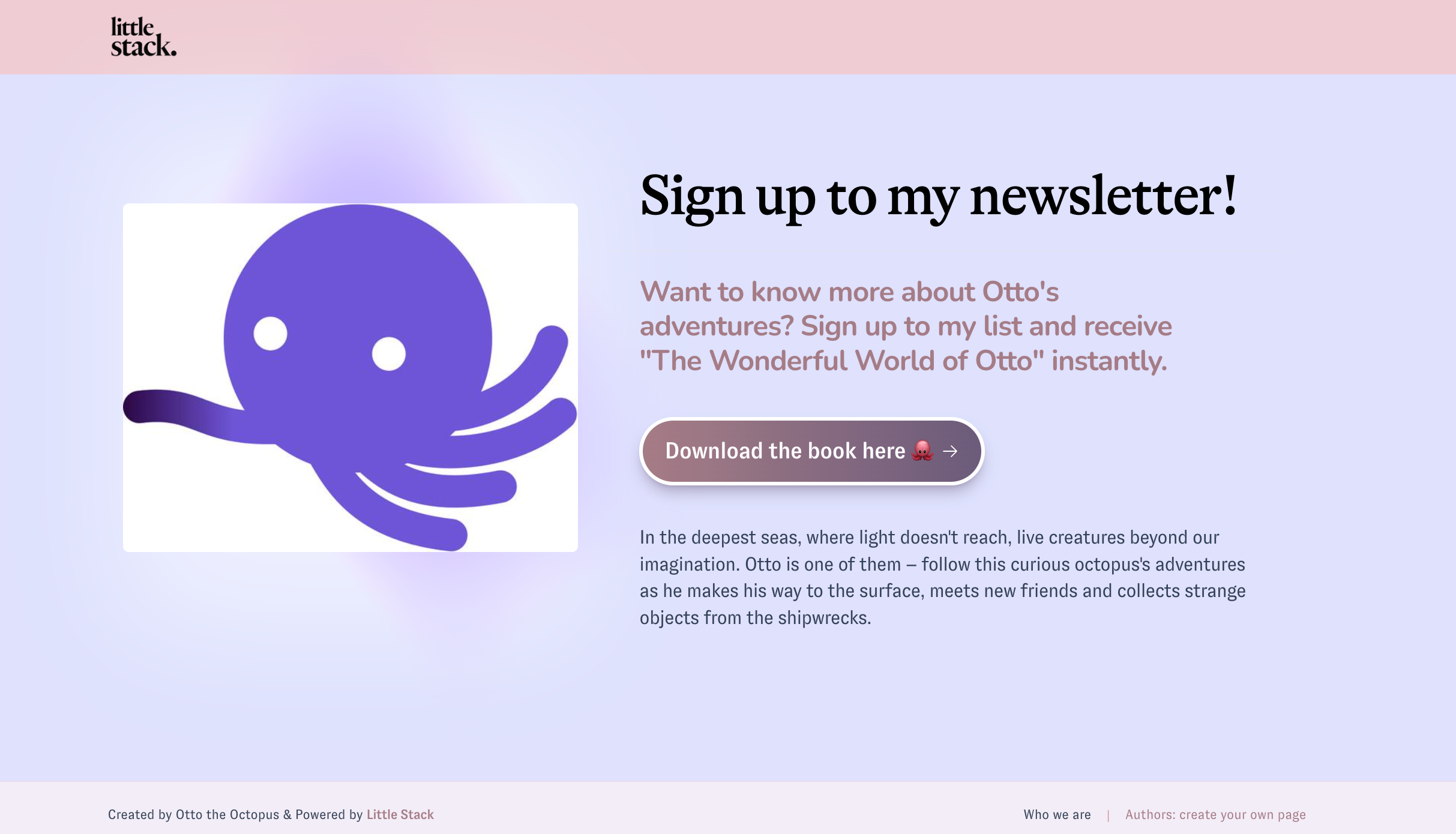
Little Stack is a platform for authors, allowing you to create a landing page to collect email addresses and grow your audience with the incentive of an instant e-book download at sign up.
Integrating Little Stack with EmailOctopus
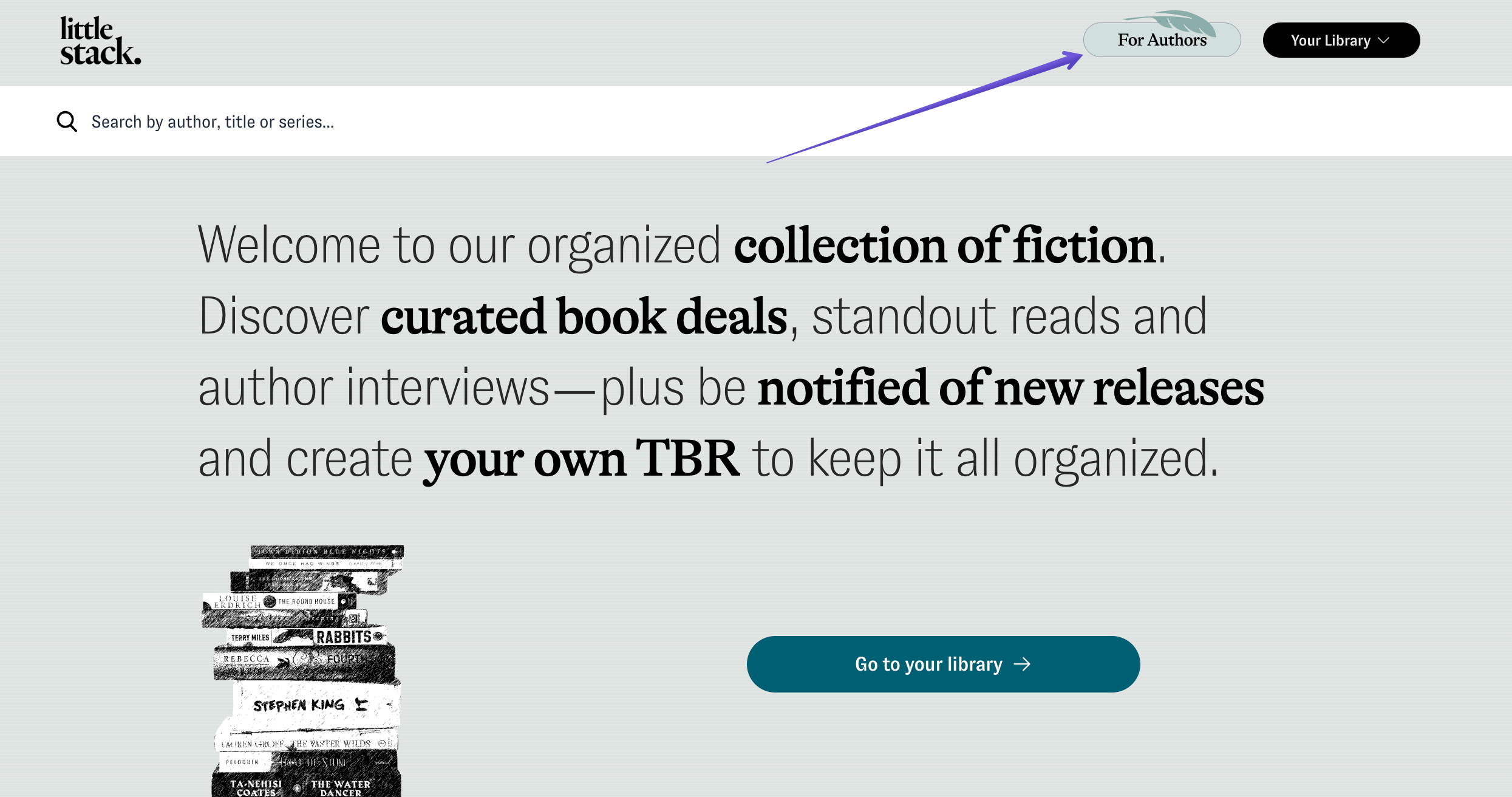
- Log in to your Little Stack account, and open the 'For Authors' tab:
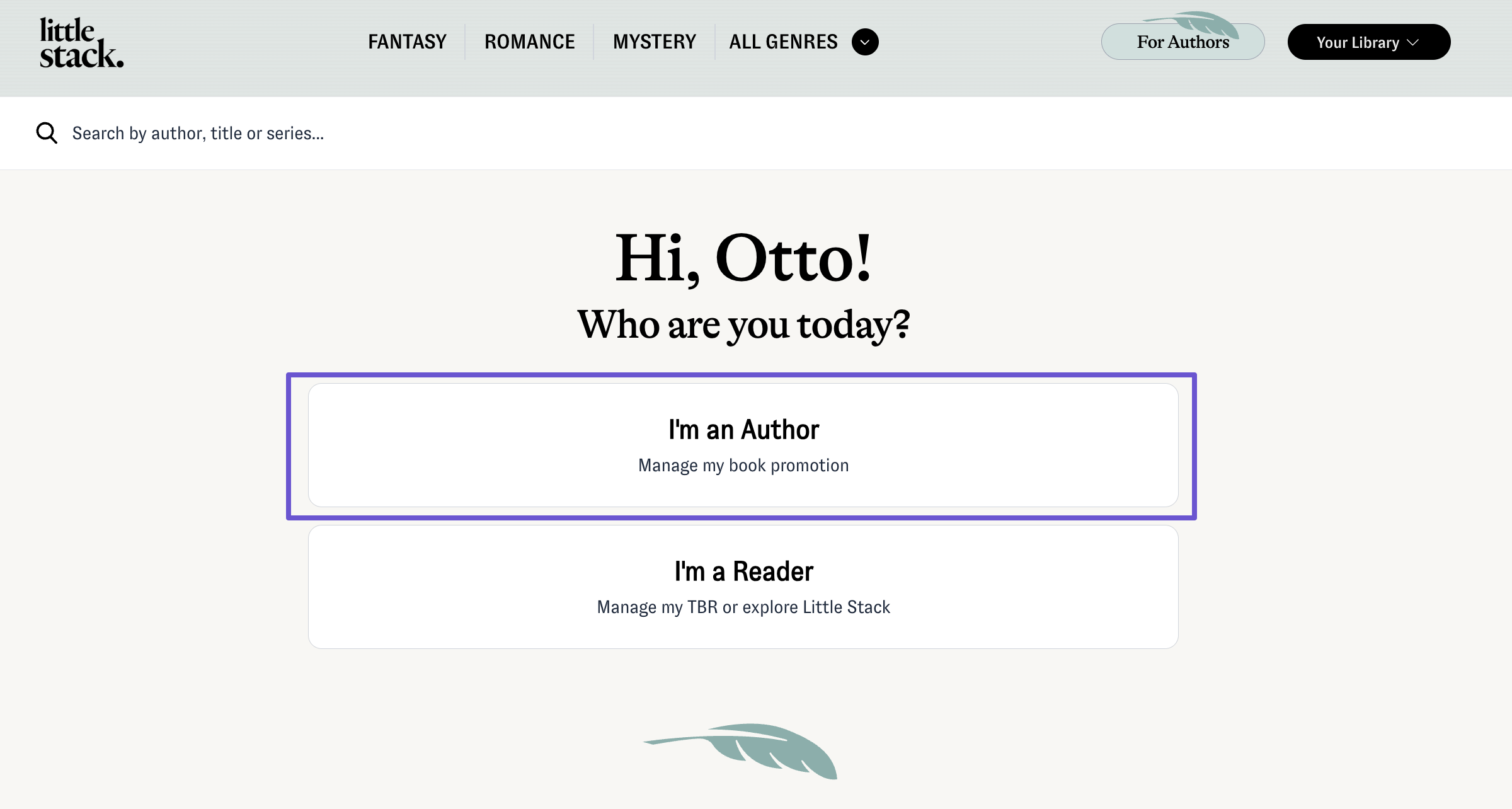
- Select the 'I'm an author' section:
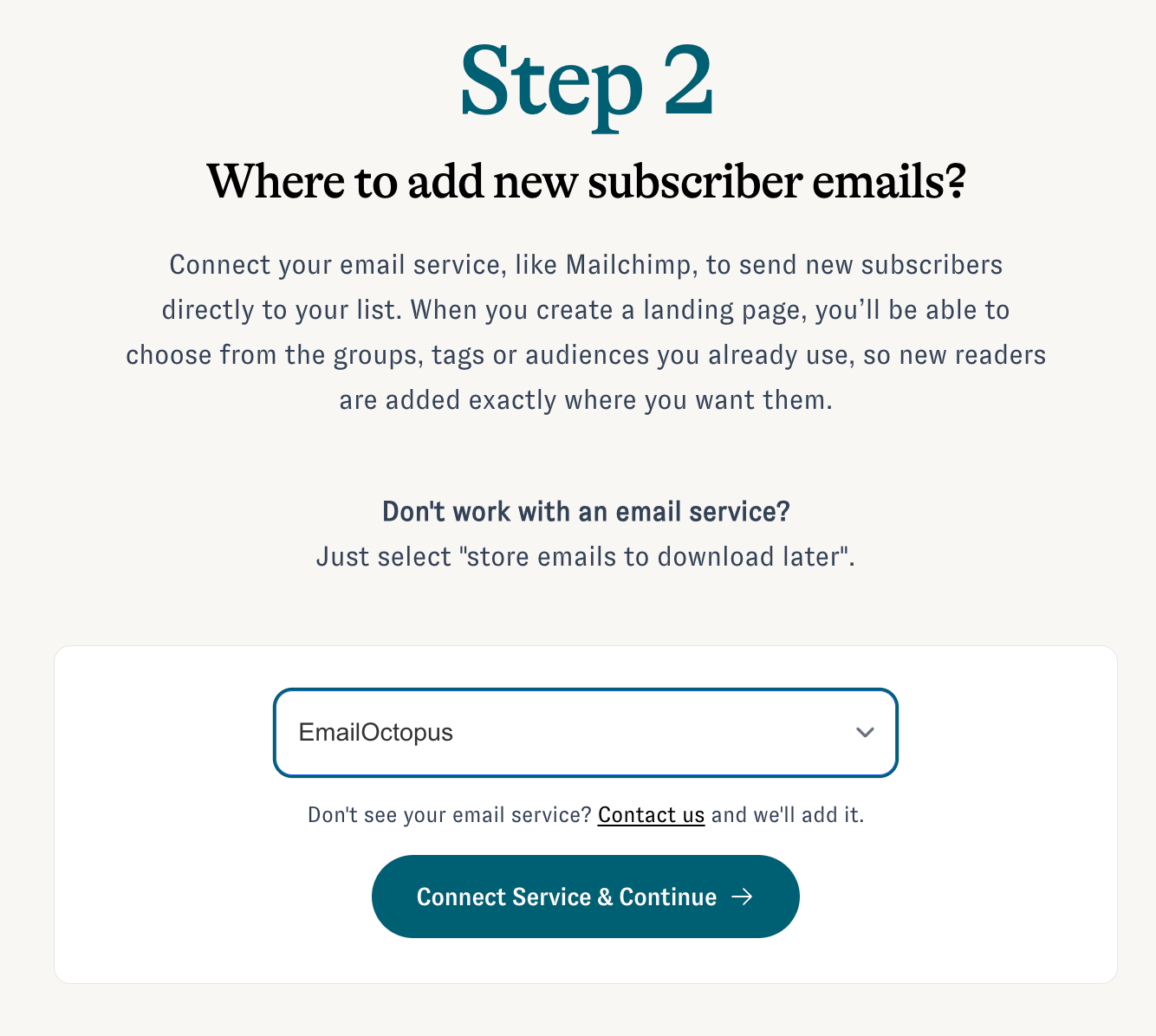
- On the next page, from the drop-down, select 'EmailOctopus', and then hit 'Connect Service & Continue':
- Enter your EmailOctopus API Key, which you can find by following these instructions:
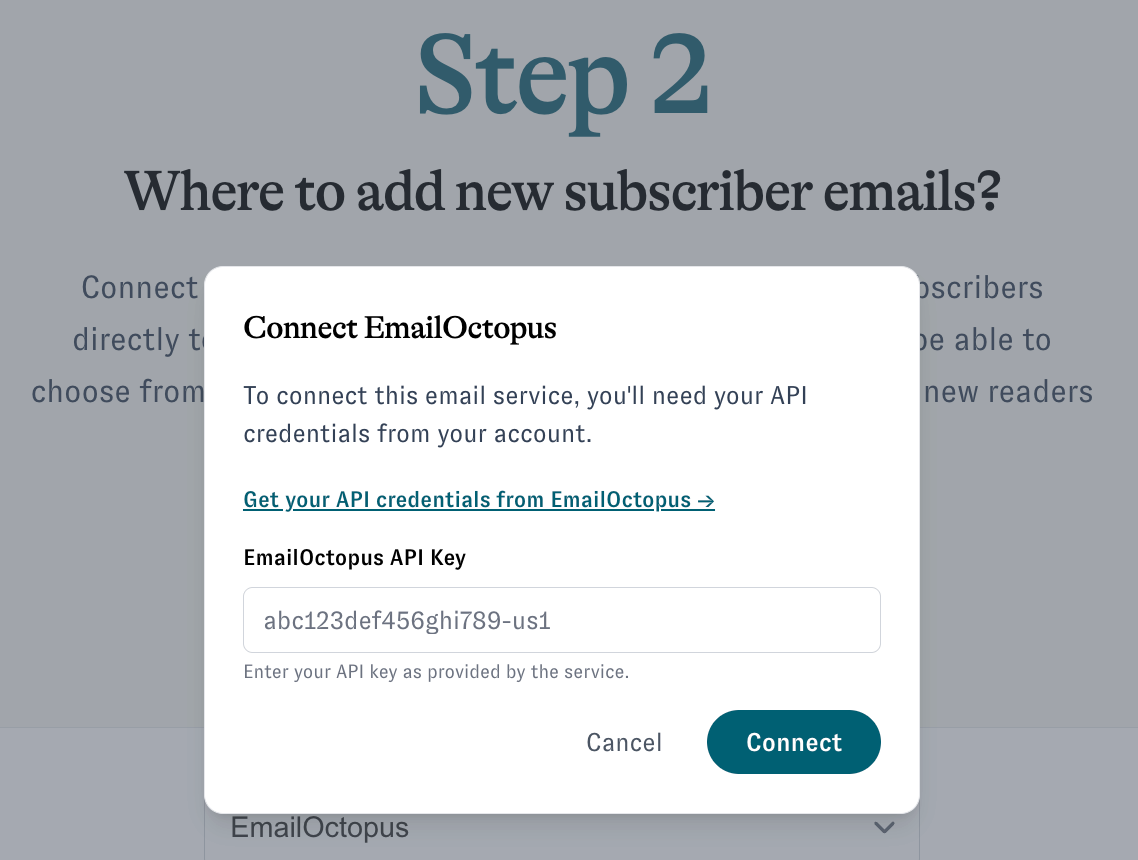
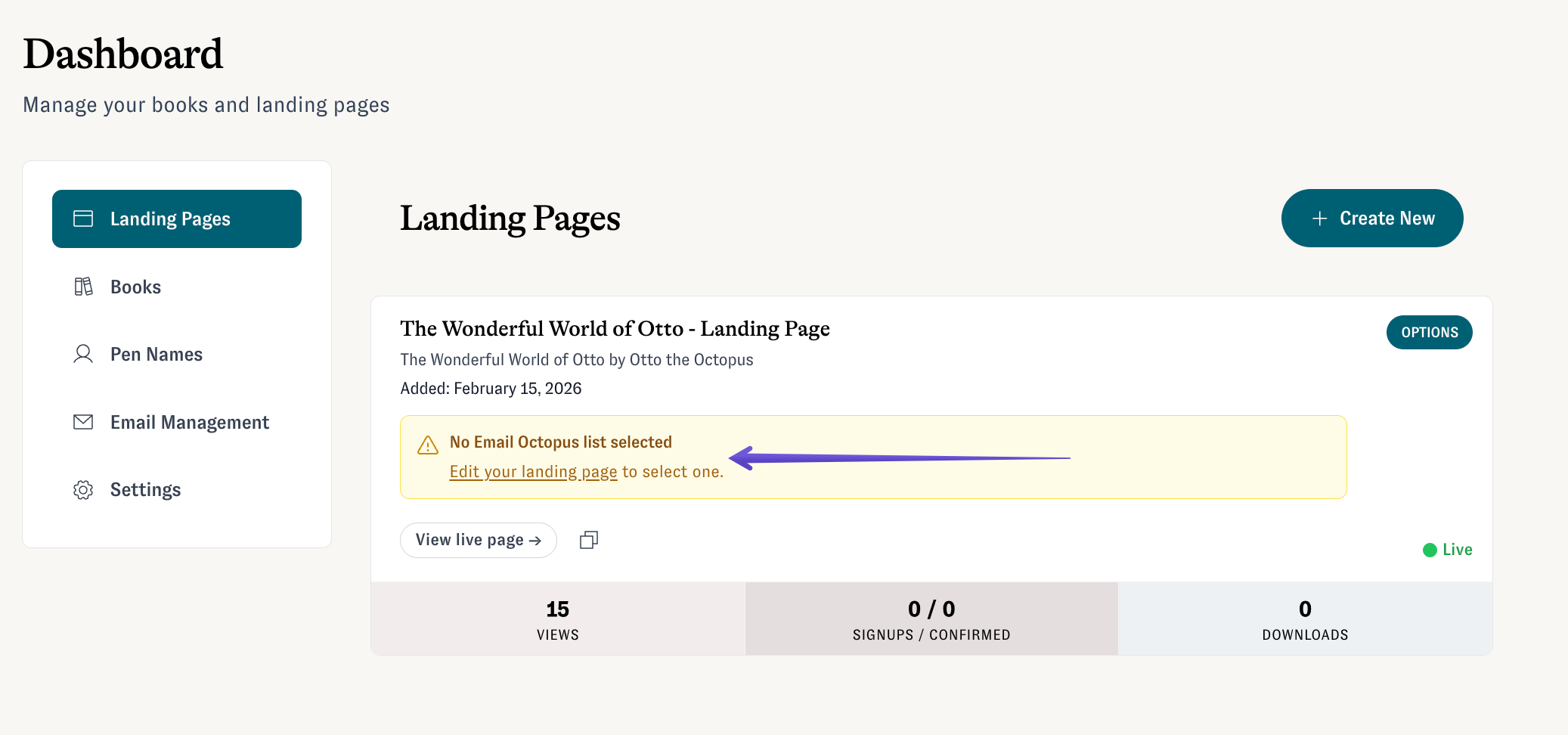
- Create a Little Stack landing page by following these steps. If you already have a landing page, you can connect EmailOctopus to it by clicking on 'Edit your landing page':
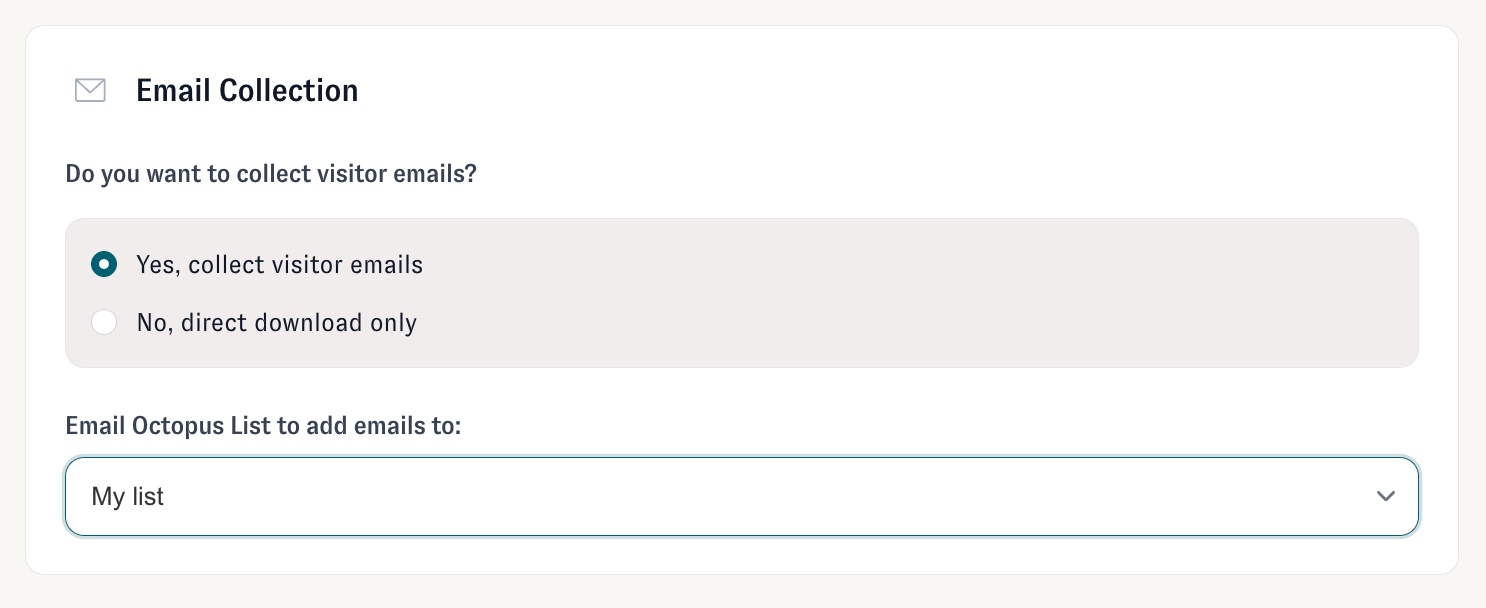
- Scroll down to the 'Email Collection' section, select the list you want your new sign-ups to be added to, and save changes:
Done! Your Little Stack landing page is ready, and every new sign up will be automatically added when they request to download your e-book.